How to use Alipay in China

Visiting the Chinese mainland with an overseas card? Start with the Alipay app linked below. Choose the right wallet before following the setup steps.
支付宝 · Payments · Content reviewed 12 November 2026
Choose the right app or route
Alipay / 支付宝
The app linked on this page (App Store ID 333206289). Use this route to register with an overseas number and link an eligible international card for mainland purchases.
International Version
Alipay describes a visitor-focused international interface within its app. It is not AlipayHK. If offered, follow the visitor setup; changing the interface does not guarantee card approval.
AlipayHK
A separate Hong Kong wallet: its official guide specifies a Hong Kong mobile number for signup. Card funding, identity checks and cross-border eligibility follow its own rules. Existing eligible users can pay participating mainland merchants; it is not the English edition of Alipay.
Alipay+ / an existing home wallet
A network connecting supported wallets, including AlipayHK and Macao’s MPay, to participating merchants. Check your own wallet’s mainland payment eligibility. Merchant payment support does not establish that every Alipay mini program will accept that wallet.
Before you start
- Keep your registered phone able to receive SMS, including bank verification.
- Prepare your own travel document, eligible card and some RMB cash.
Step-by-step guide
Confirm the app and destination
Open the Alipay listing linked below. For Hong Kong or Macao stops, prepare payment separately; the overseas-card mainland service does not cover those destinations.
Look for: Alipay / 支付宝
Register before departure
Use your own phone number, including its country code, while you can receive SMS. Follow the identity prompts using your own travel document. Successful registration alone does not confirm payment readiness.
Look for: Sign up / Log in
Choose your language
Look under Me → Settings → General → Language for English. Use the international visitor interface if offered. The older community screenshot is a reference; menus can move.
Look for: Language / English
See the language settings walkthrough
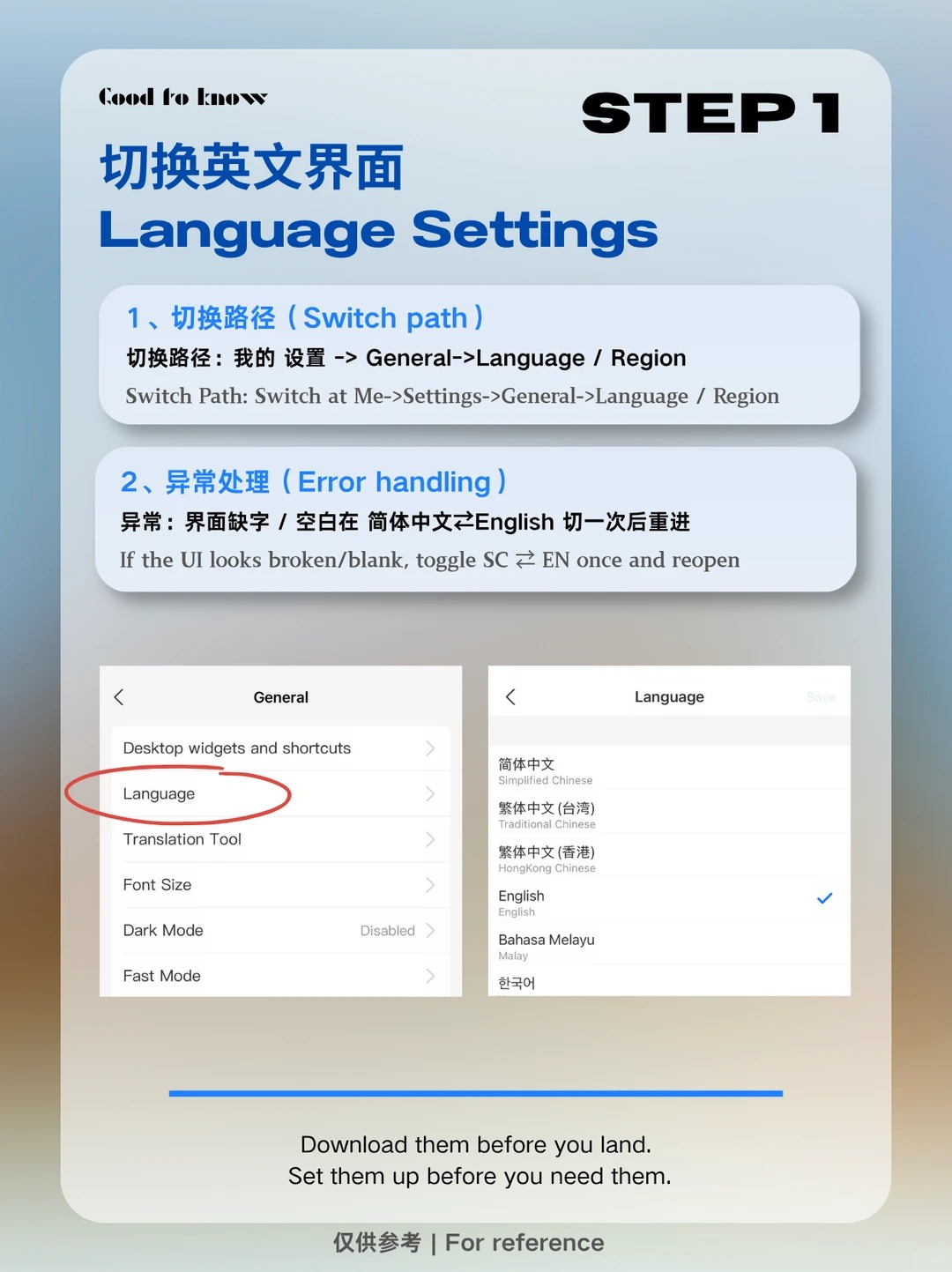
Alipay language settings — community walkthrough with screenshots. Labels may differ in your version. · Survive China · Xiaohongshu · 26 Jun 2026 Original source Link your own eligible card
Open Me → Bank Cards and follow the prompts. Complete the requested identity and issuer checks. A linked card pays for supported purchases; you do not need to preload a wallet balance for this route.
Look for: Bank cards / Add card
Check the payment before confirming
Scan the merchant’s code, or show your payment code to the cashier. Review the merchant, currency, amount, funding card and any displayed fees. Only the final success result confirms payment.
Look for: Scan / Pay
Keep a fallback
Carry some RMB cash and another payment option. If a transaction fails, check its status before trying again, then ask the merchant or official support about the exact error.
Look for: Payment result / Help
Tips and common problems
The app asks for a mainland bank card
Check which feature you opened: a balance, transfer or financial-service flow can have different requirements from overseas-card merchant payment. Return to Bank Cards and the visitor setup. If it still blocks you, contact official support; do not enter someone else’s identity.
Card linked, but this QR code fails
Card linking is not a promise that every payee is supported. Ask whether the shop can offer a merchant collection code. Do not assume a personal transfer or red packet can be funded by your overseas card.
A Chinese SIM is not the first fix
Overseas-number registration is supported. Check the country code and SMS reception first. Keep access to the number used for your account and card-issuer verification.
Do not use old top-up tutorials as a requirement
Direct eligible-card merchant payment is a separate setup route. A tutorial mentioning Tour Pass, Tour Card or a travel wallet may describe a different product with different availability and terms.
Check fees on the payment screen
Review the current platform fee before confirming; offers can change. Your card issuer may also charge conversion or overseas-transaction fees. A previous traveller’s fee screenshot is not a quote for your card.
Mainland success does not cover Hong Kong or Macao
Alipay’s overseas-card merchant service has a mainland scope. Check separate local card, cash or eligible wallet options for the other parts of your itinerary.
Protect the payment code
Scan reads a merchant’s code; Pay displays your own code for the cashier. Do not publish your payment code or send it to people offering remote account activation.
Screenshot references
These App Store previews show the app in general. Use the steps above for the specific controls to look for.
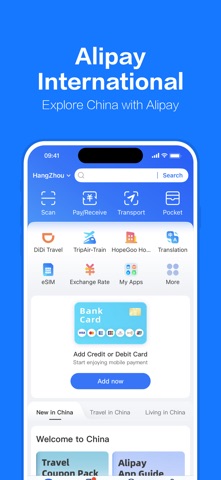
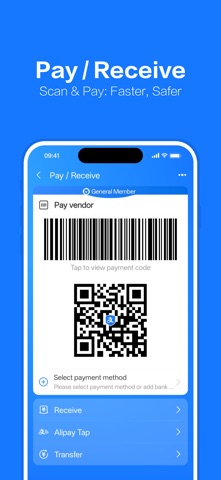
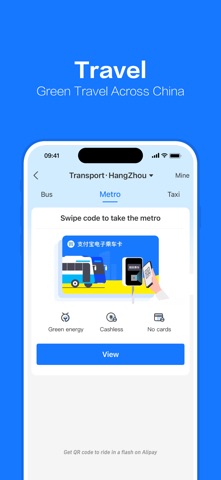
Get the app
Alipay on the App Store ↗Sources and review
Checked 12 November 2026. Older references are labelled; current in-app terms apply. Community images illustrate an earlier interface, not verified current controls.
- Alipay: international version announcement (17 Aug 2023)
- Shanghai government: mobile payments (20 Sep 2026)
- Alipay: overseas-card service agreement (2021; check current in-app terms)
- AlipayHK: cross-border payment guidance · publication date not stated
- Alipay+: paying with a supported home wallet · publication date not stated
Questions & travel tips
Share what worked, or ask about this guide. Comments appear after review.