How to use REDnote in China

Useful for discovering places and reading traveller experiences. Verify practical details with the venue or official service.
小红书 · Inspiration · Content reviewed 12 November 2026
Before you start
- Use a city plus a specific need, rather than a broad China search.
- Have a map ready to save the real venue’s address outside the social app.
Step-by-step guide
Search a specific place
Search the city plus what you need: food, a neighbourhood, an airport or a particular attraction. Chinese place names can improve results.
Look for: Search
Read the whole post
Look at the posting date, location, images and comments. Distinguish personal experience from an advertisement or an official announcement.
Look for: Post details
Save the exact venue
Find the Chinese name, branch and address. Check opening hours and reservations separately before travelling.
Look for: Place information
Keep an alternative
A useful post is a starting point. Save another restaurant or route in case the original suggestion is closed or unavailable.
Look for: Saved ideas
Tips and common problems
Useful Chinese searches
Try 上海 浦东机场 到酒店 (Shanghai Pudong airport to hotel), 北京 地铁 (Beijing metro), or your neighbourhood plus 美食 (food). Replace the city with your destination.
A beautiful post can be outdated
Check publication date and recent comments, then verify opening hours, ticket rules and the exact branch with the venue. An old viral post may describe a different situation.
A post says every foreigner can register or pay
Treat it as that person’s experience. Country code, verification and the merchant’s own conditions can differ. Follow the relevant official service guide for your account.
Do not book solely through an unsolicited message
Use the venue or a booking channel you can identify and contact. Keep the terms and confirmation outside a private chat.
Screenshot references
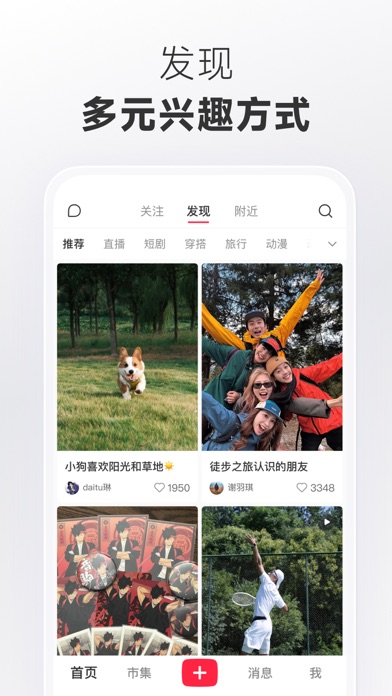
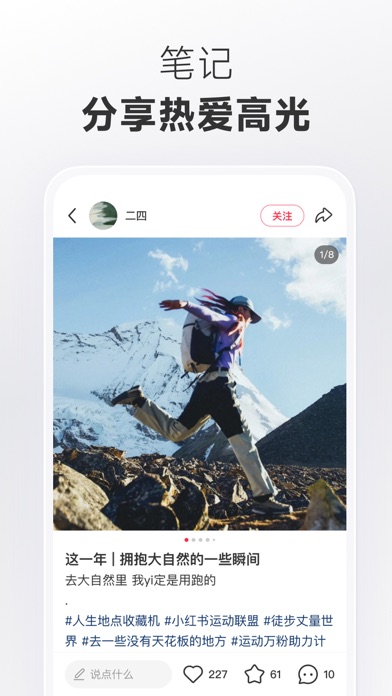
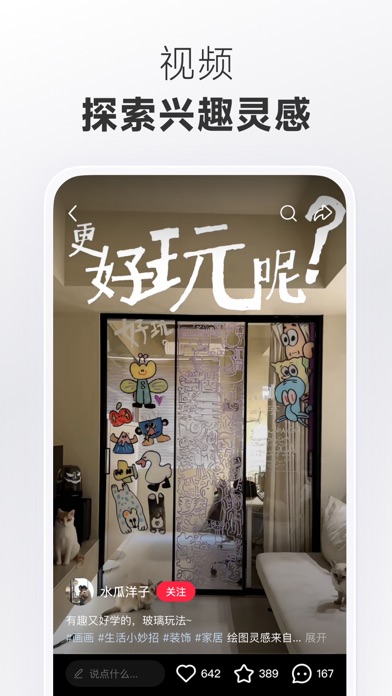
These App Store previews show the app in general. Use the steps above for the specific controls to look for.
Get the app
REDnote on the App Store ↗Sources and review
Checked 12 November 2026. Older references are labelled; current in-app terms apply. Community images illustrate an earlier interface, not verified current controls.
- REDnote official listing: community discovery · publication date not stated
- AP: Xiaohongshu as a source of travel recommendations (14 Jan 2025)
Questions & travel tips
Share what worked, or ask about this guide. Comments appear after review.