How to use Railway 12306 in China

China Railway’s official ticket service. The English website is also available if you prefer not to install an app.
铁路12306 · Booking · Content reviewed 12 November 2026
Before you start
- Start registration and passport verification well before a time-sensitive journey.
- Prepare the original passport and an accessible email; follow current contact requirements shown by 12306.
Step-by-step guide
Register and activate the account
Open the official app or English website. Follow the offered email/contact activation process. Keep the contact method available during travel.
Look for: Register / 邮箱
Check identity and every passenger
Enter passport details carefully. Confirm identity status and add travellers using their own documents. Resolve failed checks before trying to pay.
Look for: Me / Passengers / 实名认证
Choose exact stations and date
Compare full departure and arrival station names, departure day, train and seat class. Do not assume the nearest city-name result is your station.
Look for: Train search
Pay and confirm issuance
Use a payment method actually offered for that order. Look for a successful order and passenger/train details, rather than only a card debit or payment-in-progress message.
Look for: Orders / 订单
Board with the original passport
Leave time for security and finding the correct gate. If an automatic gate fails, show the original passport and booking to staff.
Look for: Departure / Manual channel
Tips and common problems
Email verified but passport still pending
Check identity status under Me / personal information, and check each passenger separately. An activation email confirms contact details, not necessarily identity approval.
Passport verification fails
Compare the document type, number and name with the passport. Use the offered photo-verification option or take the original document to a staffed counter. Manual review is not an immediate fix.
Email link never arrives
Check spam and the address entered. Use the account’s resend-activation option if offered; an expired link can need replacement. Avoid opening multiple accounts as your first workaround.
English and Chinese screens differ
Use the official English website linked below if the app flow is confusing. Do not assume an old Chinese screenshot matches the current English controls.
Wrong station or date
Check the complete station name, including Hongqiao, South or North. For an overnight trip, departure and arrival can be on different dates.
Automatic gate will not read your passport
Ask for the staffed/manual channel with the original passport and confirmed booking. A saved itinerary image is useful to explain the problem but does not replace identification.
Screenshot references
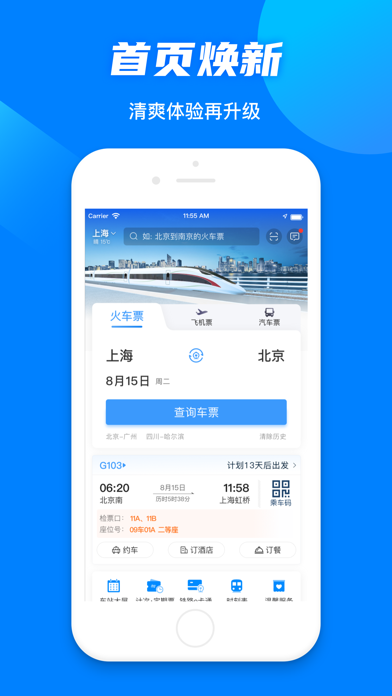
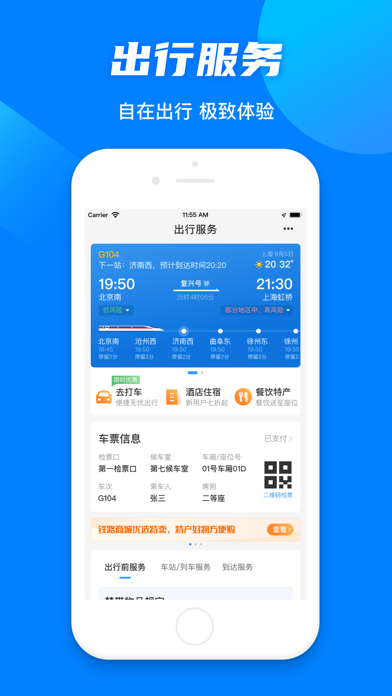
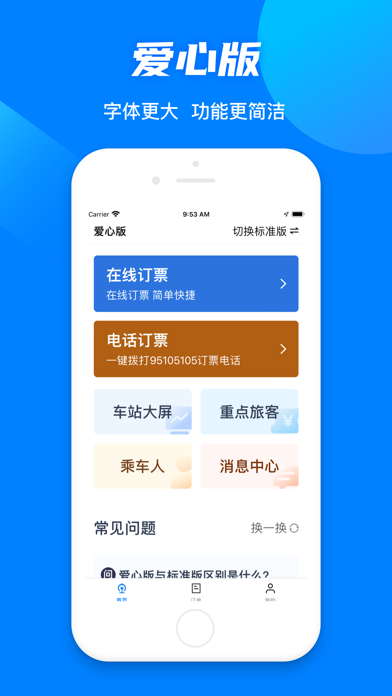
These App Store previews show the app in general. Use the steps above for the specific controls to look for.
Get the app
Railway 12306 on the App Store ↗Sources and review
Checked 12 November 2026. Older references are labelled; current in-app terms apply. Community images illustrate an earlier interface, not verified current controls.
- Guangzhou government: foreign-passport verification and recovery (2024 guide; current prompts take precedence)
- China Railway: official English website and FAQ · publication date not stated
- Traveller discussion: verification, pickup and delivery problems (individual experiences, not platform rules)
Questions & travel tips
Share what worked, or ask about this guide. Comments appear after review.