How to use Meituan in China

Useful for delivery and local offers. Account verification, a reachable phone number and a working payment option may be needed.
美团 · Food · Content reviewed 12 November 2026
Before you start
- Ask the hotel for its Chinese address, permitted delivery entrance and pickup arrangements.
- Use a contact number you can answer. If hotel help is needed, get their agreement before entering their number.
Step-by-step guide
Agree the delivery arrangements
Ask reception where food can be delivered and collected. Save the Chinese address and an agreed contact number before ordering.
Look for: Delivery address / 收货地址
Choose the delivery service
Find 外卖, set the exact building and entrance, and select the restaurant. Translate the dish and options you need.
Look for: 外卖 / Food delivery
Check contact and full total
Review the recipient, reachable phone, delivery fee, packaging, options and estimated time. Follow payment prompts only after these are correct.
Look for: Checkout / 去结算
Track and collect
Check that the restaurant accepted the order. Watch rider messages and the actual pickup instructions; ask reception promptly if a call or locker blocks collection.
Look for: Orders / 订单
Tips and common problems
The number is accepted at login but not checkout
Read the specific delivery-contact error. An account number and a rider’s contact field are different. Use the offered supported format; ask the hotel for an assisted order if yours is rejected.
A locker can add another barrier
Travellers have reported collection lockers requiring further app/phone verification. Ask for the hotel’s designated staffed collection point where possible, and check the actual collection instructions.
The rider calls in Chinese
Keep the order open and use its messaging if offered. Show reception the active order. A useful message is “我不会说中文,请发消息。请按订单地址送到约定取餐点。” — I do not speak Chinese; please message and deliver to the agreed pickup point.
Chinese menus despite English support
The listing includes English, but dishes and service flows can still contain Chinese. Translate options, quantities, packaging fees, delivery fees and total before confirming.
Delivery is not a restaurant reservation
Choose 外卖 for delivery and check the delivery address. Other Meituan products have different terms and eligibility. Do not assume one successful service unlocks the rest.
Screenshot references
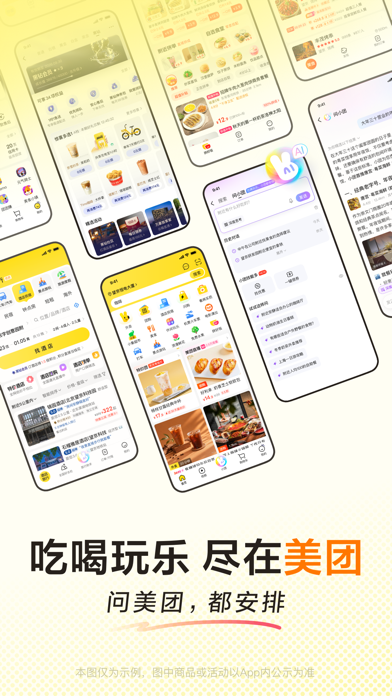
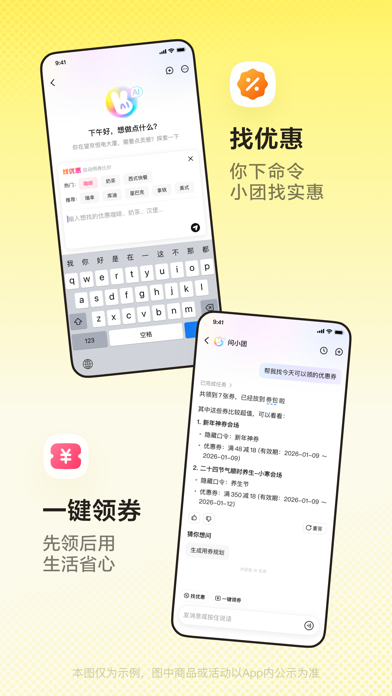
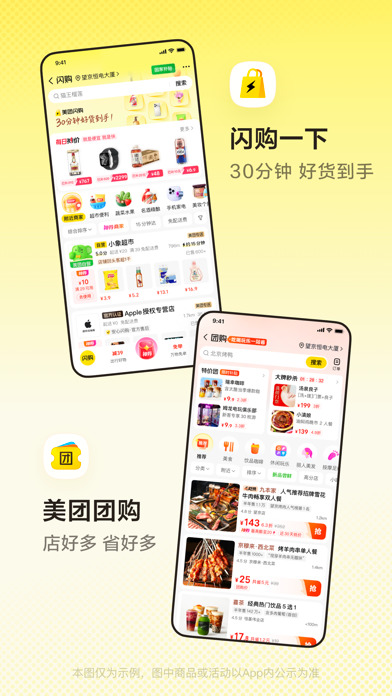
These App Store previews show the app in general. Use the steps above for the specific controls to look for.
Get the app
Meituan on the App Store ↗Sources and review
Checked 12 November 2026. Older references are labelled; current in-app terms apply. Community images illustrate an earlier interface, not verified current controls.
- Meituan official App Store listing: service categories and languages · publication date not stated
- Traveller discussion: verification, pickup and delivery problems (individual experiences, not platform rules)
- Trip.com practical guide: SMS and data-only SIM pitfalls (23 Oct 2026; commercial travel advice)
Questions & travel tips
Share what worked, or ask about this guide. Comments appear after review.