How to use WeChat in China

Useful for communicating with hosts and businesses, opening mini programs and preparing a second payment option.
微信 · Payments · Content reviewed 12 November 2026
Before you start
- Keep your registered SIM able to receive SMS; data access alone is not enough.
- Prepare your own passport, eligible card and another way to contact your hotel.
Step-by-step guide
Register before flying
Choose Sign up with Mobile, select your country code and use your own reachable number. Complete the verification shown while you have time to resolve it.
Look for: Sign up / Help
Set up payments separately
Open Me → Services → Wallet → Bank Cards, if available. Add your own eligible card and finish identity checks requested by the app.
Look for: Wallet / Bank Cards
Open the exact merchant service
For a menu or ticket, scan that venue’s code. Check the venue, branch, date and order details. A chat contact code is not a payment code.
Look for: + → Scan
Pay and check both records
Review the amount and funding method. After paying, look for the transaction success and the merchant’s confirmed order. Save the order number.
Look for: Transactions + merchant Orders
Tips and common problems
Asked for friend verification?
Complete only the verification methods offered in your signup flow. If assistance is requested, follow its eligibility instructions or official Help. Do not buy a verification service or assume every existing user qualifies.
Chat works but Wallet does not
Open Me → Services → Wallet → Bank Cards and complete the separate payment checks. English WeChat menus do not establish that your wallet region supports mainland payments.
A mini program asks for a local number
Its account requirements can differ from WeChat’s. Ask the merchant for a staffed or web booking route; another wallet does not necessarily bypass that service’s verification.
Transfers are not a payment test
A friend transfer, red packet and merchant purchase are different services. Check readiness with a real, small purchase after arrival, rather than sending money to a stranger.
Paid but no ticket or meal?
Find the order inside the original mini program, not only the WeChat payment record. Contact that merchant with the order number before paying again.
Fees are not always the headline rate
Review the actual fee and card currency before confirmation. Tencent announced targeted first-user promotions in 2026; eligibility and caps matter, and issuer fees can still apply.
Screenshot references
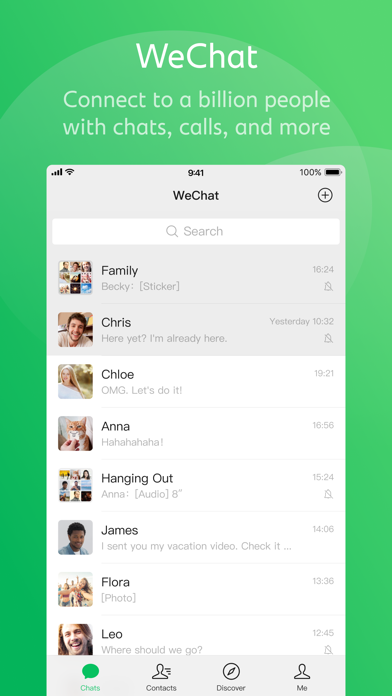
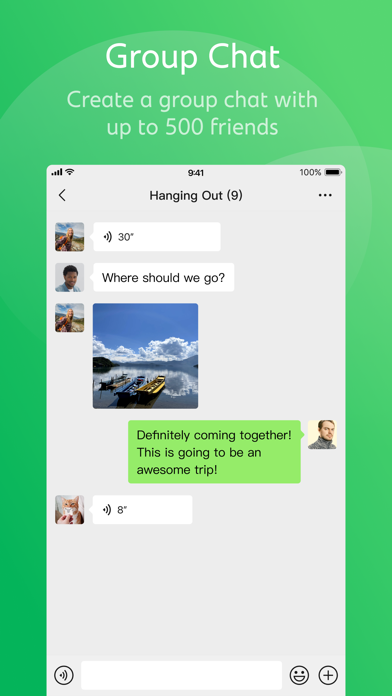
These App Store previews show the app in general. Use the steps above for the specific controls to look for.

Get the app
WeChat on the App Store ↗Sources and review
Checked 12 November 2026. Older references are labelled; current in-app terms apply. Community images illustrate an earlier interface, not verified current controls.
- Shanghai government: mobile payment setup (20 Sep 2026)
- Tencent: visitor-payment initiatives and limited promotions (2026)
- Traveller discussion: verification, pickup and delivery problems (individual experiences, not platform rules)
Questions & travel tips
Share what worked, or ask about this guide. Comments appear after review.